EN

Language

EN

Language

Review a Scenario and prepare production assets

Documentation navigation
On this page

Review the Scenario before you spend time generating media. The goal is not to make every sentence sound polished. It is to find decisions that will affect production: what happens in each Scene, what each Cut needs to show, who appears, where the action happens, which objects matter, and whether the dialogue belongs in the intended moment.

For the lamp demo, this review should leave you with two clear Scenes, six distinct Cuts, one protagonist with a defined appearance and outfit, two locations, and one lamp object. Those are editorial choices for this demo, not Tacu limits.

Review the Scenario

  1. Read the Scene sequence

    Confirm that each Scene advances the story and that location or time changes are intentional.

  2. Read every Cut on its own

    Its description should communicate one clear visual purpose. Split or rewrite a Cut that tries to carry several unrelated actions.

  3. Check dialogue in context

    Make sure the speaker, wording, and timing support the Scene rather than repeating what the image already explains.

  4. Check linked characters and places

    A Cut should not silently switch the protagonist, outfit, location, or object unless the story calls for that change.

  5. Edit the Scenario where the problem begins

    Correct the description, dialogue, character, location, or object link instead of trying to hide a planning issue in a later generation prompt.

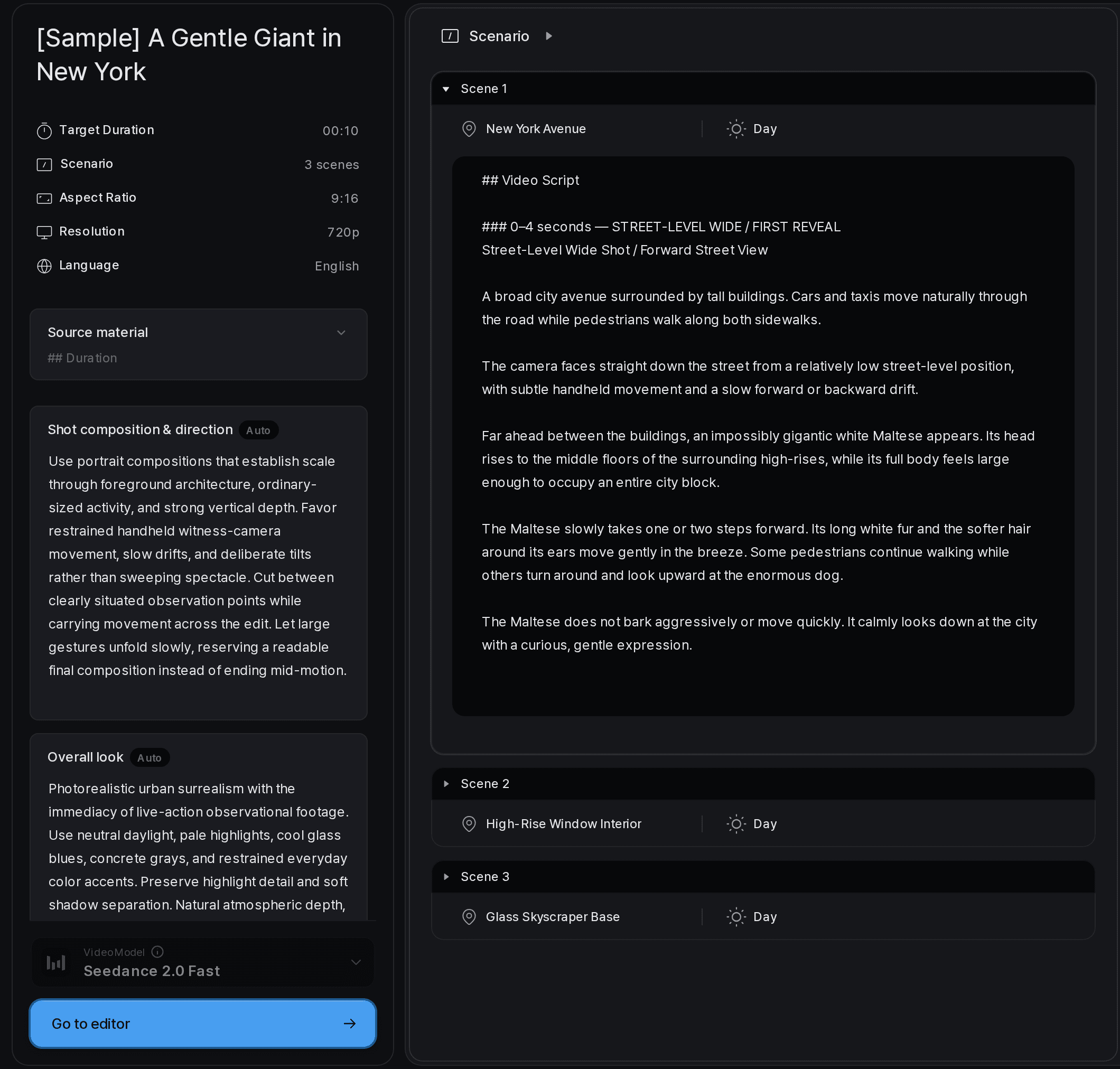
Tacu Scenario panel showing a Scene and Cut plan beside the selected Cut editor
Review the overall Scenario and open a specific Cut when it needs a focused edit.
Tacu Scenario dialog for editing Cut descriptions, characters, objects, and dialogue
Edit the specific Scenario or dialogue entry that needs to change.

Prepare the production assets

Review the project assets that the Scenario will rely on:

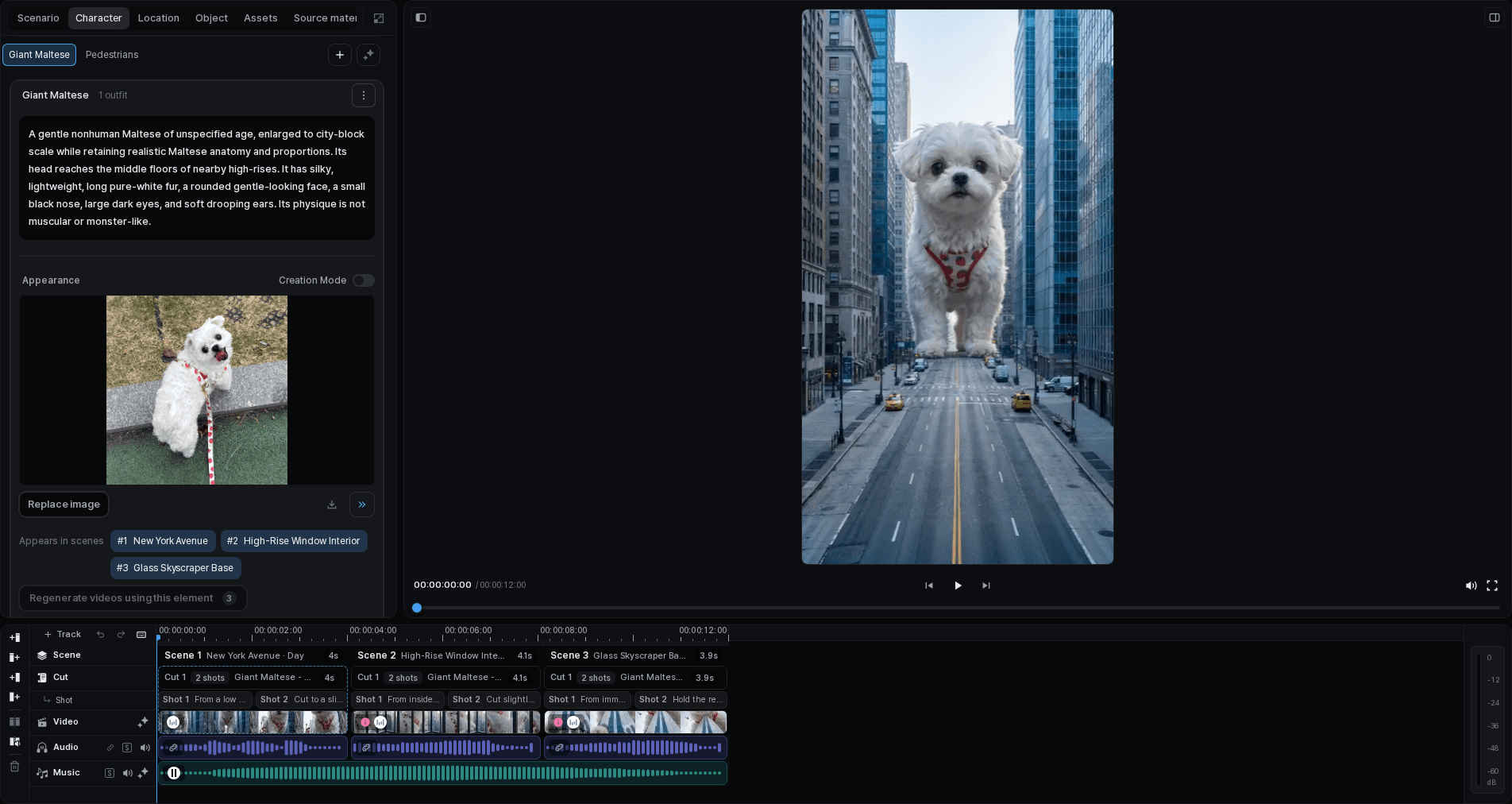
  • Character and appearance: choose a version that clearly shows the protagonist's defining features. Record the outfit that should remain stable within the relevant part of the story.
  • Locations: keep the studio and living room visually distinct. A location reference should make the layout, light, or material direction easier to understand.
  • Objects: use a clean lamp reference that shows the form you need to preserve. Avoid logos, text, reflections, or extra products that could introduce noise.

Compare the available asset results and select the one that best supports the brief. Selection is a creative decision, not a claim that the result will remain identical in every generated Cut.

Tacu character editor showing a selected appearance and outfit
Keep a character’s appearance and outfit with the project for reuse across Cuts.
Tacu object editor showing a selected reference and its generation history
Store an object reference and its selected result with the project that uses it.

Ready to continue?

Before moving on, you should be able to answer these questions without guessing:

  • What is the purpose of each Scene?
  • What must the viewer understand from each Cut?
  • Which character, outfit, location, and object belong in that Cut?
  • Is any dialogue doing work the image or action should do instead?
  • Which selected assets are approved as the current project context?

Next, generate, compare, and refine images for the Cuts that are ready.