Check which workspace you are using
Use the workspace switcher to confirm whether you are working personally or in a team. Projects, available media, credits, and model access can differ between workspaces.
A team project uses the relevant team subscription and credit rules. A member's personal credit balance is not, by itself, a statement of what they can do in the team.
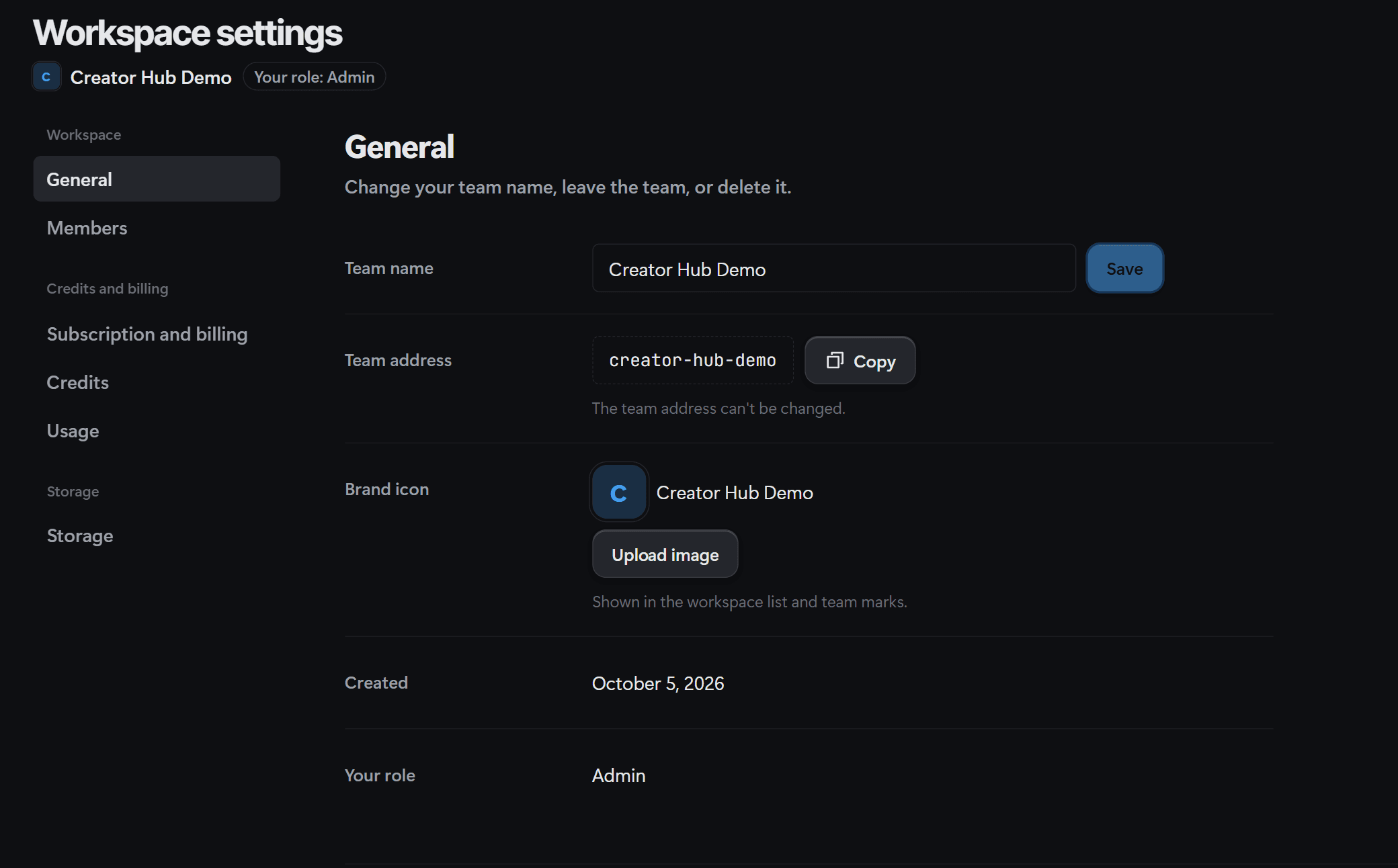
Separate membership from project permission
Team roles and project access are separate. A role that permits contribution does not automatically give editing access to every project. Reviewers and guests cannot generate simply because they belong to the team.
Check whether the person owns the project, can edit it, or can only view it. A team-wide sharing choice does not automatically make every project available to guests.
Resolve the specific restriction
Check the workspace
Make sure both people are referring to the same personal or team project.
Check project access
Ask a person who can manage the project to confirm the required viewing or editing permission.
Check generation access
If viewing works but generation does not, review the role, model policy, team balance, and subscription notice.
Review changes before export
Coordinate edits and resolve any reported save conflict before producing the shared final version.