Choose the part you want to change
Use the timeline to work on the sequence, and the scenario panel to keep its story in view. Select a cut or media item and check the selection before making an edit.
Moving or trimming a clip changes the edit. Changing a prompt and generating again creates new media. Use the first when the footage works but the timing is wrong; use the second when the action or image needs to change.
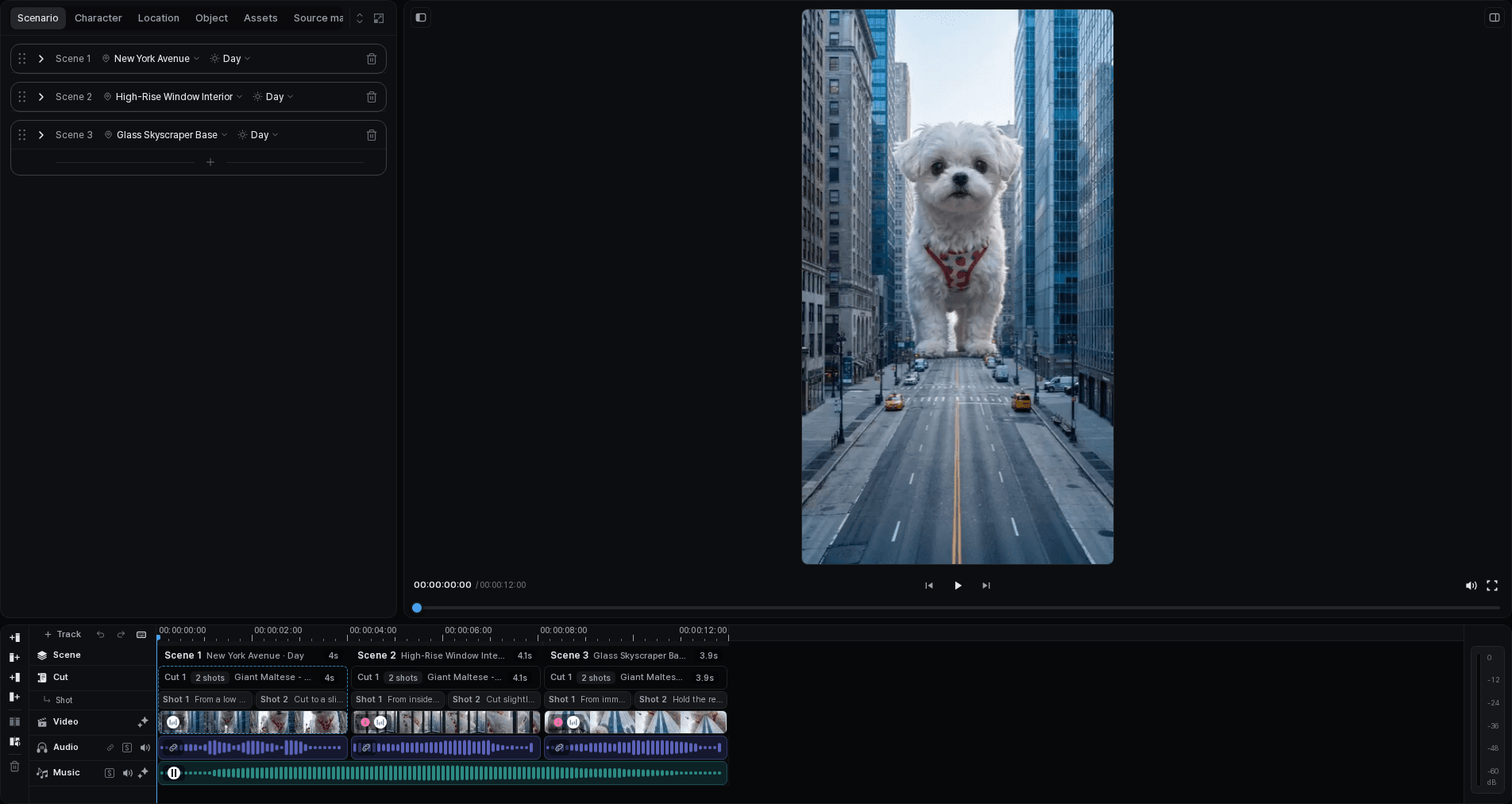
Build the rhythm
Arrange the cuts
Move a cut to the intended position or scene, then check the story order.
Trim the selected media
Adjust its start or end while watching the preview. Check the available source duration before extending it.
Move a group together
Select the cuts, audio, and subtitles that should move together. Confirm the selection before copying or moving it.
Review the transitions
Use a dissolve or an edge fade where appropriate. A transition between neighboring clips and a fade at one clip's edge are different edits.
Play through the changed section
Start playback before the edit and continue past it. Listen for missing or doubled sound, check subtitle timing, and look for an unintended gap or overlap.
Watch the save state after editing. If a connection interruption or conflict is reported, follow the recovery message before closing the project or exporting. Do not assume an edit is safely stored because it is already visible on the timeline.