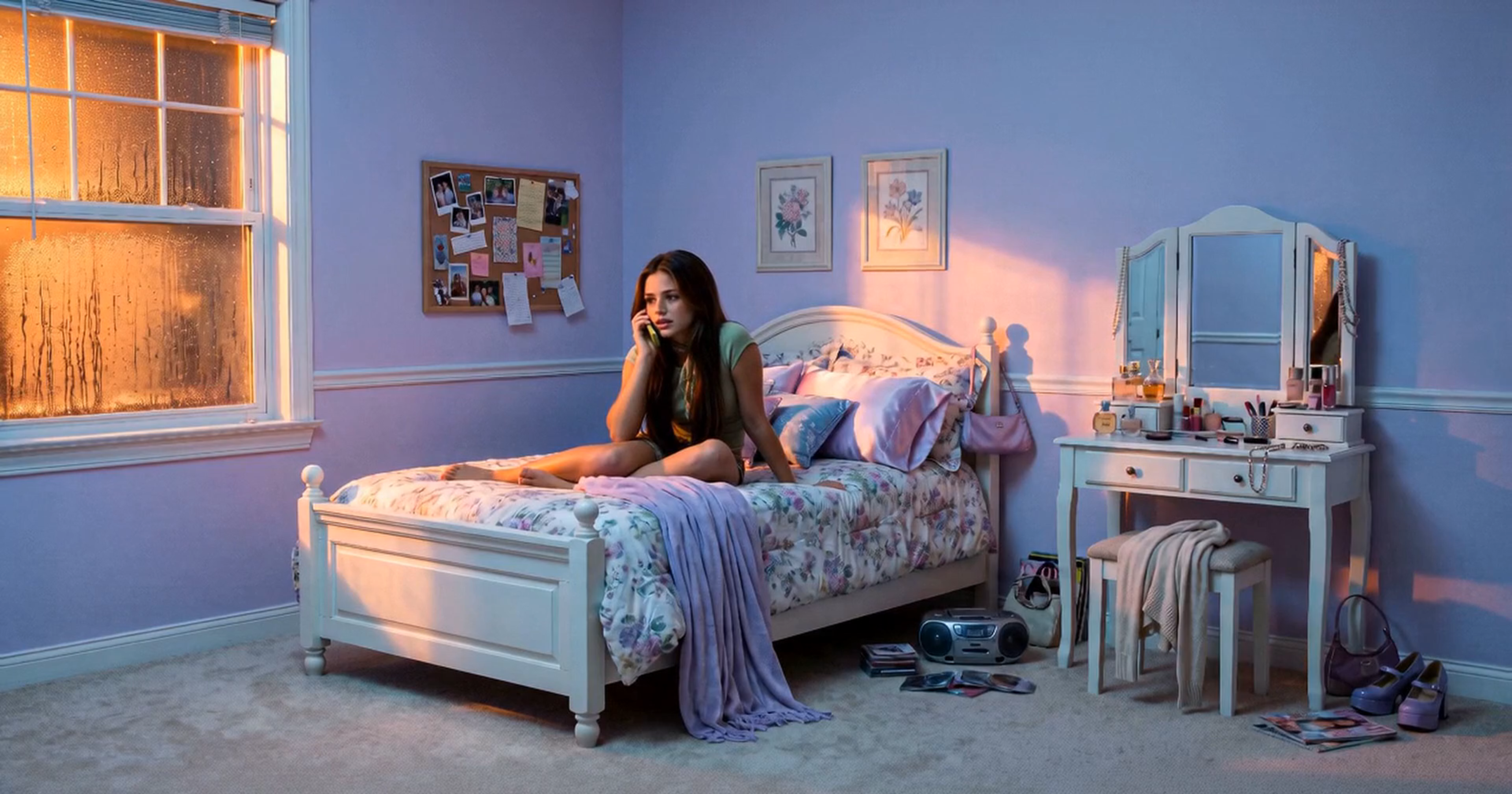
Answer the direction question first
Before polishing a cut, decide whether its action and camera direction work. Is the subject readable? Does the movement tell the intended story? Does the cut connect to the next one?
For supported Seedance 2.5 requests, Tacu's 480p draft mode gives you a version to review before making a 1080p final version. The point is to make a choice from actual footage, not to approve a direction from a prompt alone.
Compare alternatives in the same cut
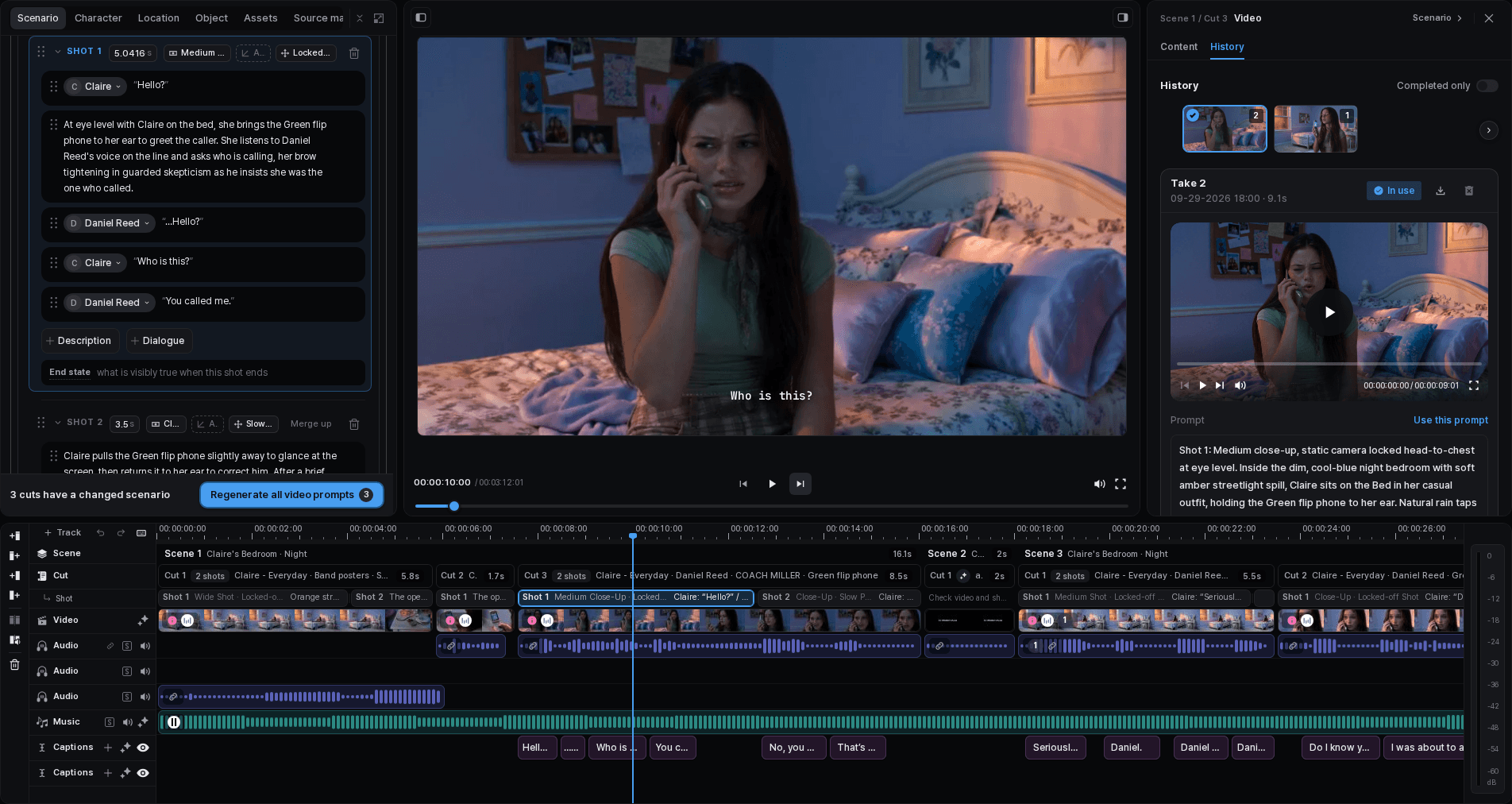
Keep the story goal steady while comparing takes. Watch the whole result, including the start and ending, and listen to any generated sound. A strong middle frame can hide an awkward entrance or exit.
Select the draft that works in the surrounding sequence. If none does, adjust the relevant request rather than finalizing a take only because it completed successfully.
Make the selected take final, then review it again
Use the finalization action for an eligible draft. The original generation and the current eligibility notice determine whether it can be finalized. This is not an upscaler for any video you upload.
The final result is another take. Watch it, check its sound and framing, and verify which take the timeline uses. Keep the draft as a useful comparison rather than assuming the new result needs no review.
Choose what the export should contain
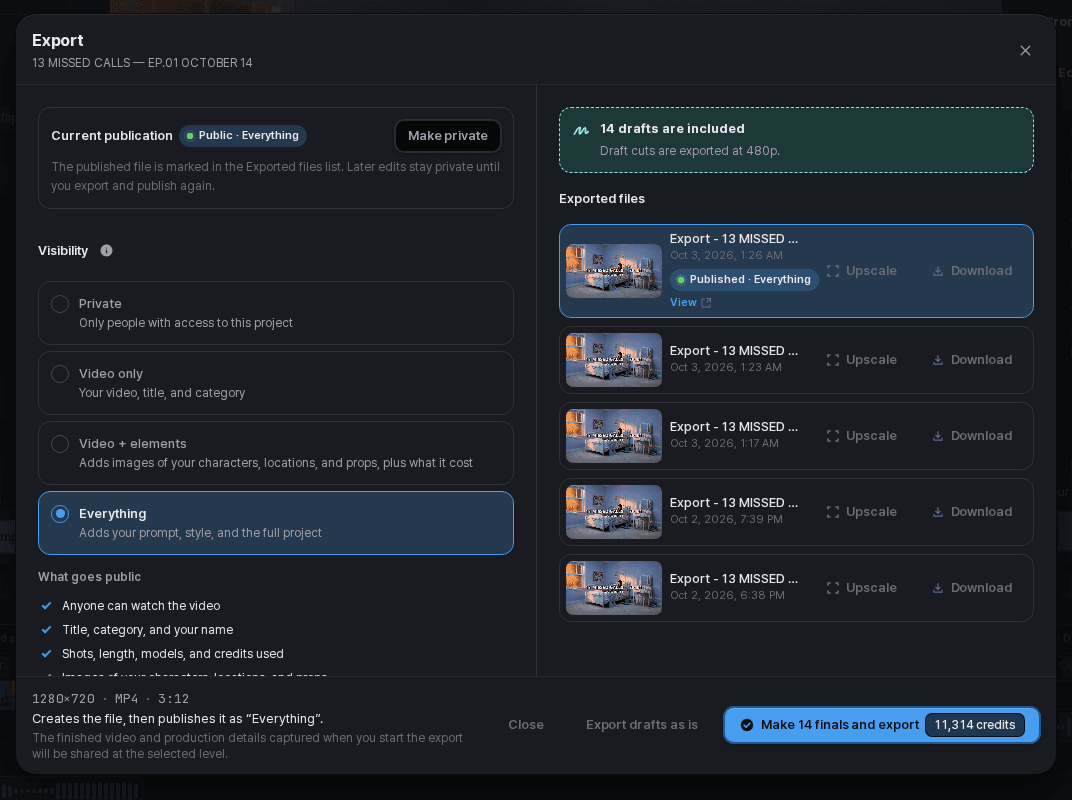
The export flow distinguishes keeping drafts as they are from making final versions before exporting. Review the selected option and any generation estimate before proceeding.
For a work-in-progress review, a draft export may be the version you intend to share privately. For the finished piece, make sure the completed file uses the selected final takes.