
Export turns the current project sequence into a downloadable video. Before you start, play the project from beginning to end and make sure each Cut uses the intended result. Export is the last production step, not a substitute for checking the story, timing, sound, and text.
Before you export
Confirm that:
- the project contains the image or video media needed for its sequence;
- each Cut uses the intended selected version;
- the order and timing work in a complete playback;
- voice or audio, music, text, and captions are present where needed;
- there is no private test content, unintended text, third-party mark, or unfinished result in frame.
If the full playback is not ready, return to the timeline or the affected Cut before starting another export.
Export and download
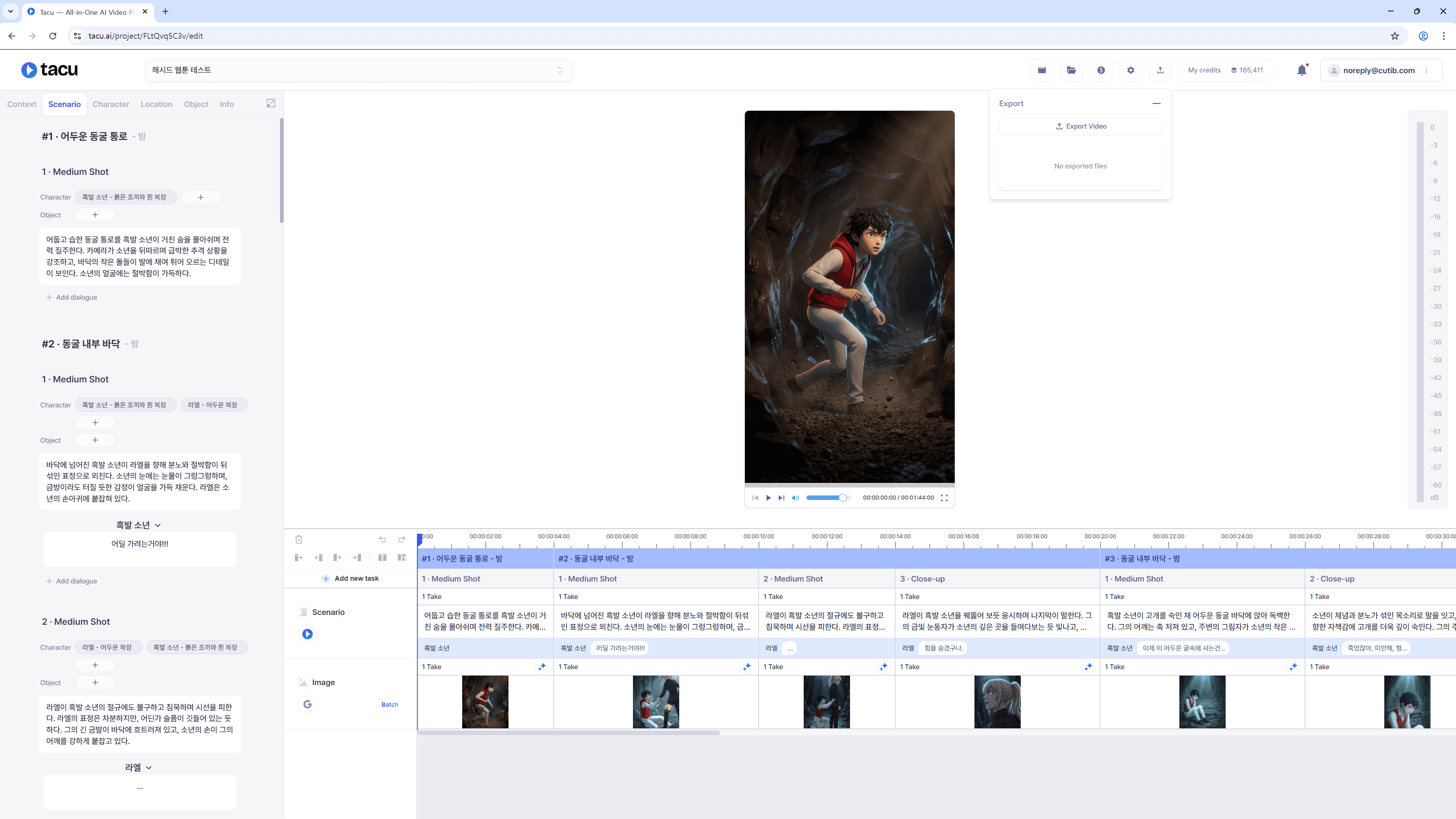
Open the export panel
Go to the project's export panel.
Start the export
Review the project one final time, then choose **Export Video**.
Check the status
Follow the export entry's status in the panel.
Download the completed file
When the export is complete, use the available **Download** action to save the file.
Inspect the file
Open the downloaded file outside the editor. Check the beginning, every Cut boundary, sound and text timing, and the ending.
Correct and export again if needed
If you find a problem, return to the source Cut or timeline layer, correct it, and create a new export. Keep the version that has passed your final check.
Final delivery check
Before sharing the downloaded file, verify its destination requirements outside Tacu: frame shape, length, sound expectations, text-safe area, and any review or approval needed by your team. Save the approved file with a name that identifies the project and version without exposing private account or customer information.