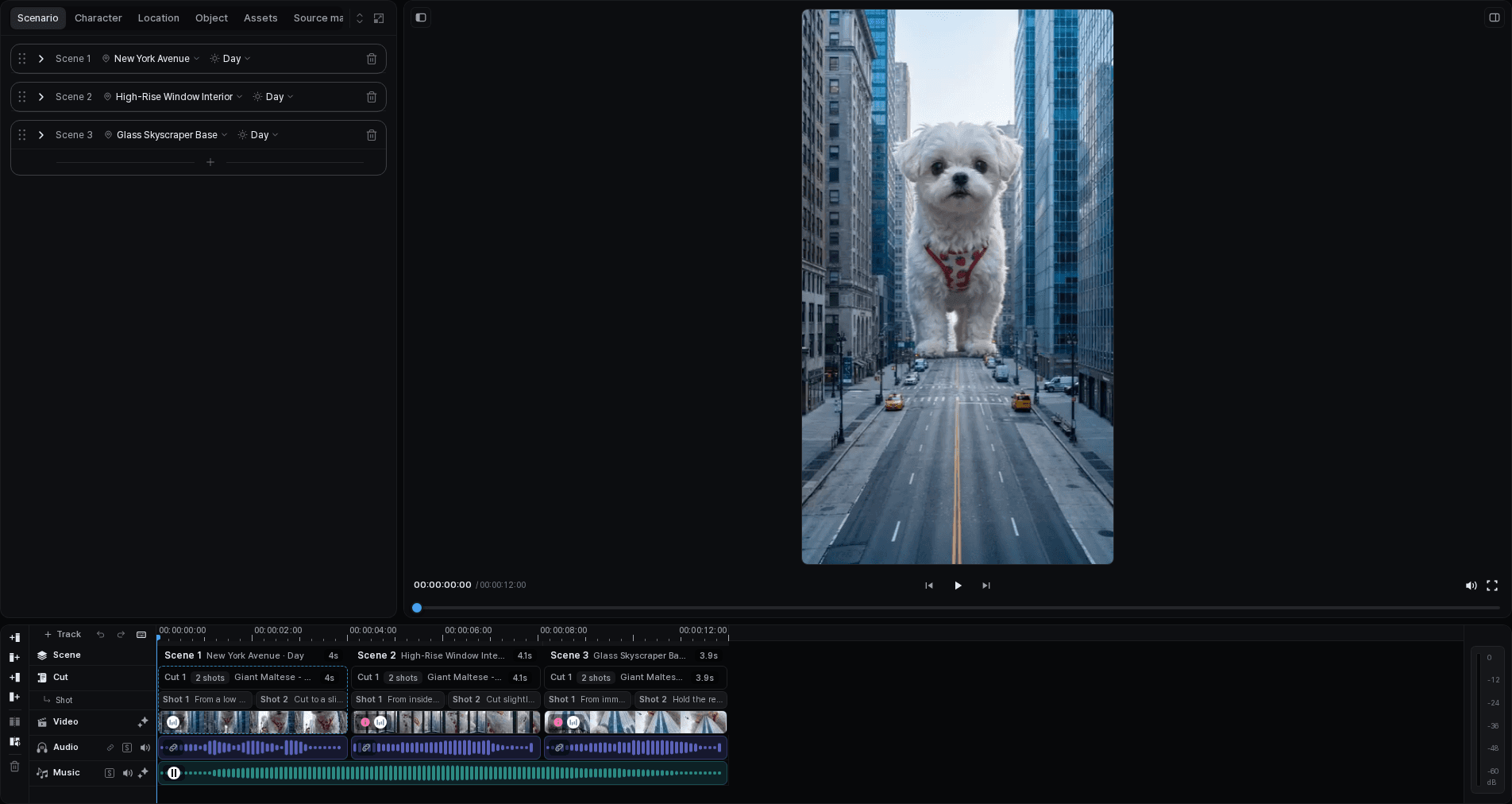
Tacu is an AI video workspace for turning an idea into a project you can review and edit. A project keeps the Scenario, Scenes, Cuts, production assets, generated results, timeline, and export in one place. That structure matters because a useful video usually takes more than one generation: you need to inspect the story, compare results, correct a weak Cut, and see how the pieces work together.
Tacu prepares options and keeps the work organized. You remain responsible for the creative decisions—what the story should say, which character or location belongs in a Cut, which result to use, and when the sequence is ready to export.
The Scene-and-Cut project model supports narrative video work beyond the lamp example: that example was chosen to make recurring people, places, and objects easy to inspect, not to limit Tacu to product films.
From an idea to an editable project
A Tacu project moves through three connected working areas:
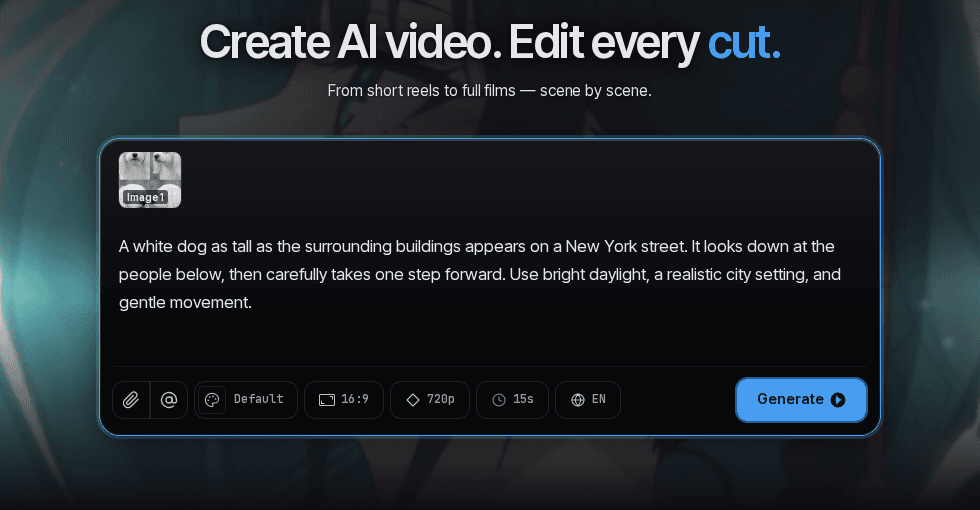
- Set the direction. Start with the video's purpose, format, language, and story. These inputs give the project a shared brief.
- Review the production plan. Tacu prepares a Scenario that you can inspect before continuing. Review the Scene order, Cut descriptions, dialogue, characters, locations, and objects. Adjust anything that does not support the brief.
- Generate and finish in the editor. Work on image, video, voice or audio, music, text, and scenario-related tasks around each Cut. Compare results, choose the versions you want, arrange the sequence on the timeline, and export when the whole video is ready.
The project is the thread that connects these decisions. A character asset can provide context in more than one Cut; a revised Scenario can clarify what an image needs to show; and the timeline makes it possible to judge individual results as part of the complete sequence.


| Tacu helps prepare and organize | You review and decide |
|---|---|
| A project structure made of Scenes, Cuts, tasks, and assets | Whether that structure tells the intended story |
| Draft Scenario details and production context | The final descriptions, dialogue, characters, locations, and objects |
| Candidate image, video, and audio results | Which result belongs in each Cut and what needs another pass |
| A timeline and export workflow | The final timing, sequence, and readiness to export |
Where to go next
If this is your first project, continue with Start an AI video project. To learn the workspace vocabulary first, read Understand Scenes, Cuts, assets, and tasks.