Choose the version you want to share
Watch the completed export before publishing it. Check that its picture, sound, and subtitles match the version you intend to share.
The current editor state, an earlier completed export, and the public work can be different versions. Updating the project alone does not confirm that the public work now shows the new result.
Read the visibility and reuse choices
Open the publishing controls
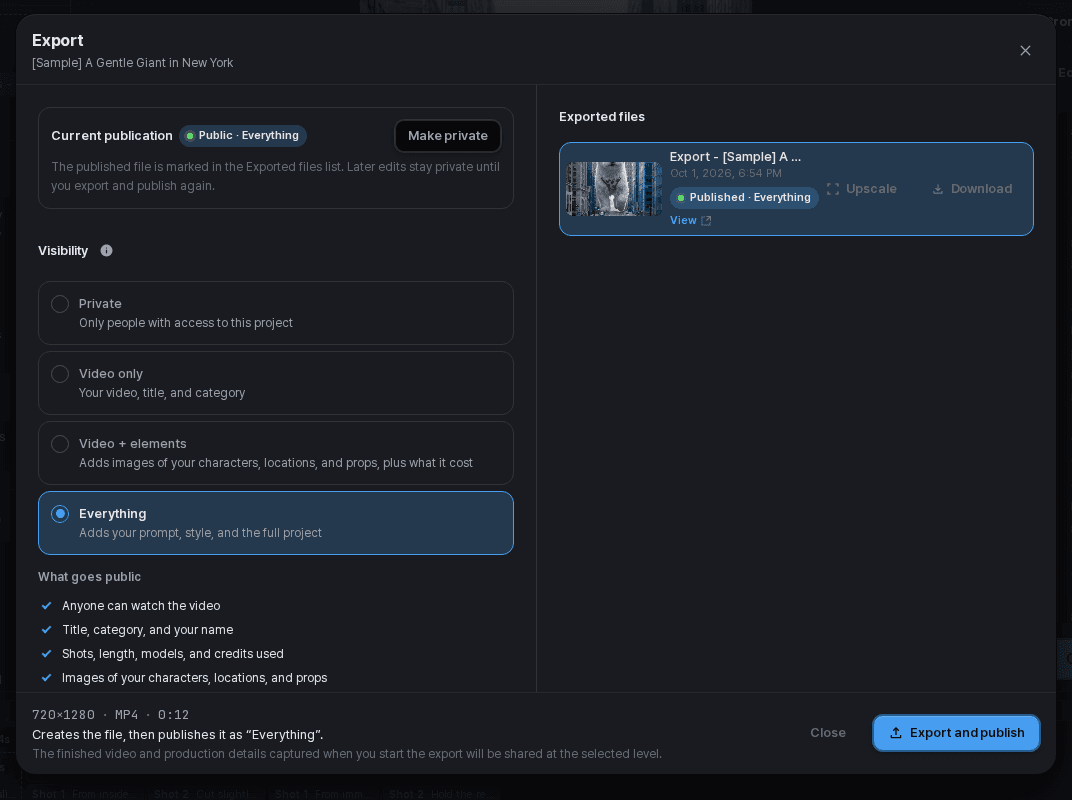
Review the work and selected export before changing its visibility.
Choose an audience
Use the visibility options actually available to this project and workspace. Do not assume a share link makes private project material public or editable.
Review reuse separately
Check the available style and remix permissions. Allowing someone to view a video is not the same as offering an editable copy.
Verify the published page
After publishing, open the work as its intended audience and check the visible version and available actions.
Only share material you can publish
Check the references, footage, voices, and other material used in the work. Remove private information and confirm you have the necessary permissions before making it public.
Use the current terms and the notices shown for the selected media and operation. A feature being available does not grant rights to someone else's material.