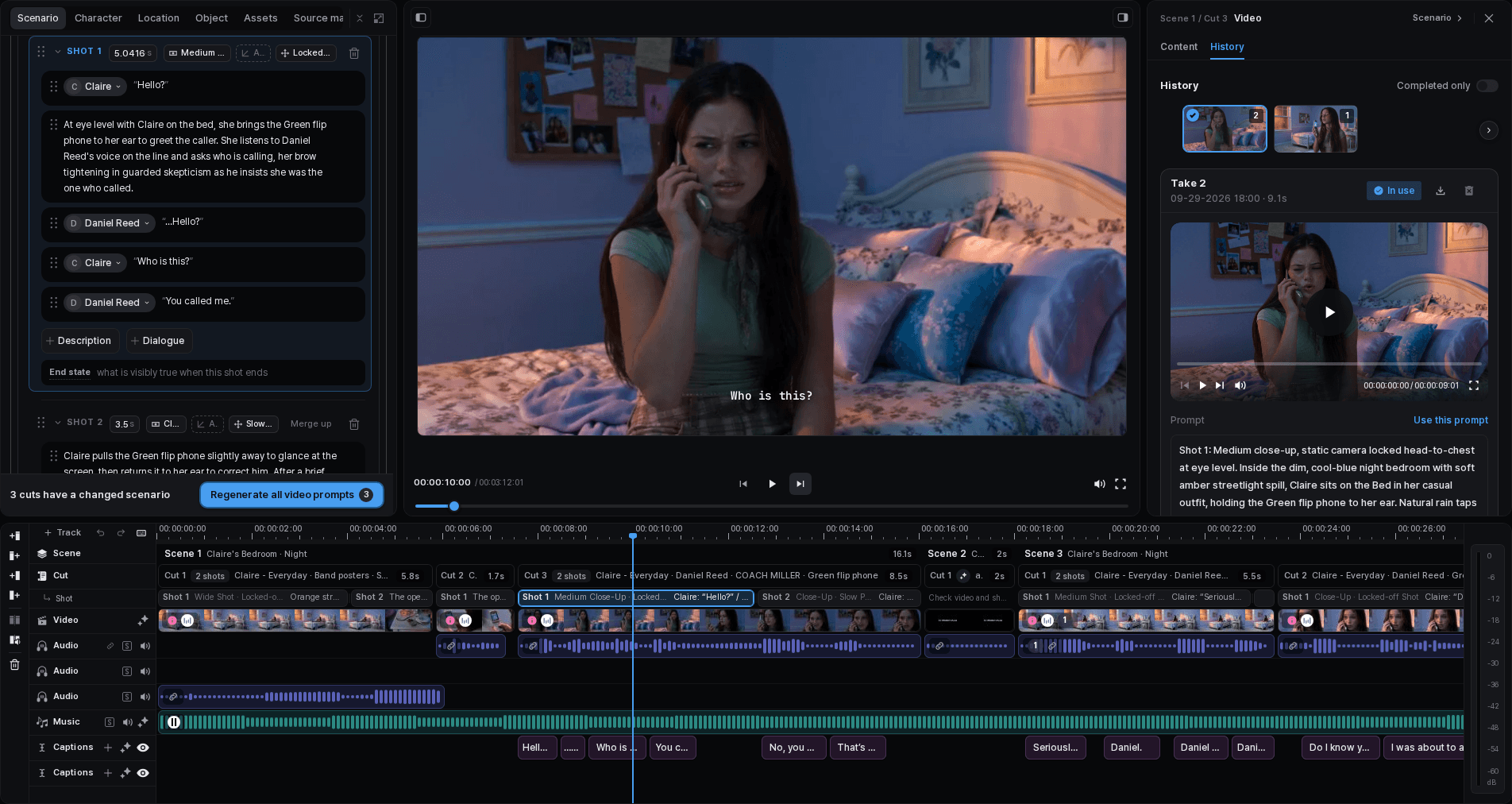
Video generation starts with a Cut that already has a clear purpose. Review the Cut description and the current visual direction, then describe the motion the viewer needs to see. Generate a manageable set of options and compare them in context instead of judging a clip only from its opening still.
Keep the comparison tied to the Cut. Result history lets you return to earlier options, while the selected result records the version you currently want to evaluate in the complete sequence.
Before you generate
Confirm that:
- the Cut has one clear action or visual purpose;
- its current image or visual direction matches the character, location, and object decisions;
- the prompt describes motion over time, not only what the starting image looks like;
- the intended change can be judged when the clip is placed between its neighboring Cuts.
For the lamp demo, “the designer reaches toward the lamp and the warm light gradually fills the desk” is reviewable. “Beautiful cinematic movement” is not: it does not identify the subject, action, or change.
Generate a video version
Open the video task
Choose the Cut you want to work on and open its video task.
Check the prompt
Align the current prompt with the Cut's action, subject, and intended ending. Remove directions that conflict with the Scenario or selected visual context.
Check the available controls
Use only the generation controls currently shown for the task. Available tools and settings can vary, so do not copy a setting from another Cut without checking it here.
Generate a version
Start the generation and wait for the result to appear in the task history.
Review the full result
Play it from beginning to end. Check the action, motion stability, framing, unwanted additions, and whether the ending prepares the next Cut.
Compare and select
Compare the result with other versions in the history. Use **Select** for the strongest working version, or revise the prompt and generate another option when the central action is wrong.
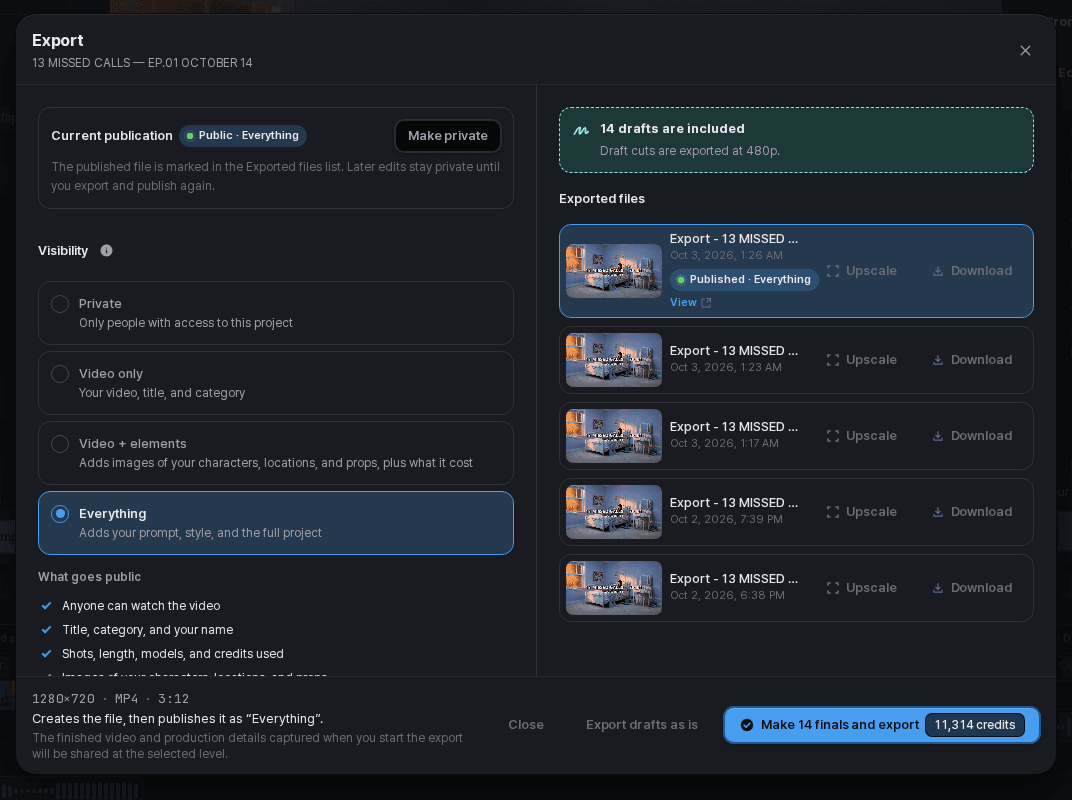
Download an individual result only when needed
If you need that clip outside the project, download it from the result history. The selected version should still be reviewed on the project timeline.

| Result | Next action |
|---|---|
| Motion and ending support the Cut | Select the version and review it in sequence |
| The main action is right, but timing feels wrong beside neighboring Cuts | Review the clip on the timeline before regenerating |
| Subject, action, or framing drifts away from the Cut | Tighten the prompt and generate another version |
| An available control or input is unclear | Stop and check the current product UI; do not assume an older workflow |