Bring a style into a new story
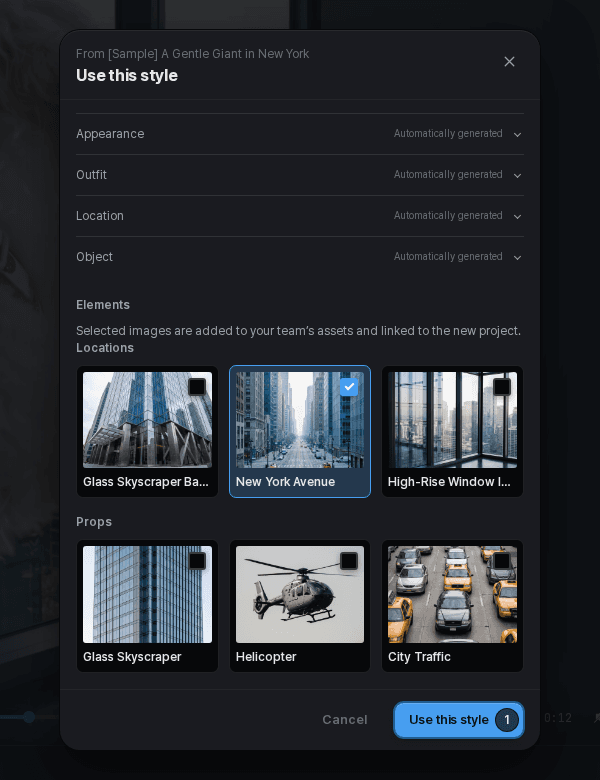
When an Explore work offers a style action, use it to start with the available style recipe. Where offered, choose which elements to bring into the new project.
Review the imported style and elements before adding your own story. This does not promise the original video's exact shots, settings, or result. Some works do not offer style reuse.
Use a remix when an editable copy is offered
A remix starts from an eligible work's editable template or offer. Availability depends on the work's publication and remix settings; it is not an action every Explore work supports.
Review the offer and any price before proceeding. The new copy is where you make your changes; you are not editing the original creator's project.
Copy your own project for a separate direction
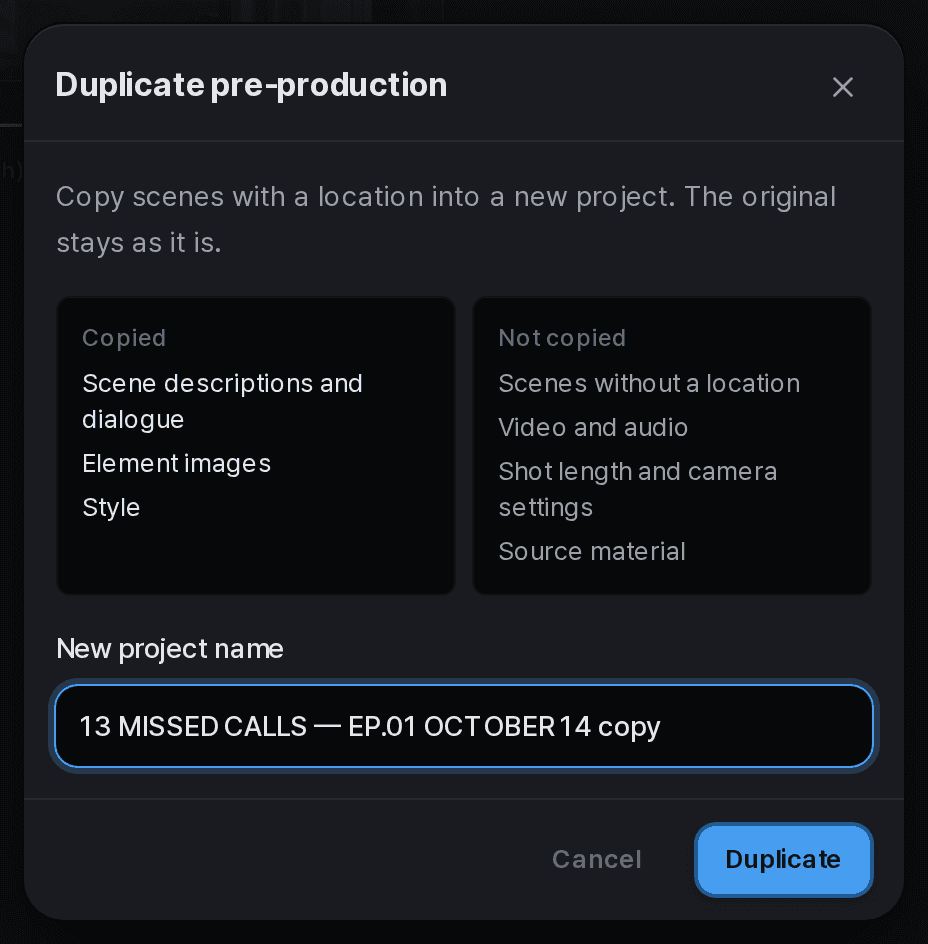
For an eligible project, choose Duplicate pre-production from its menu. This starts a new project from scenes that have a location, copying their descriptions and dialogue, element images, and style. The original project stays unchanged.
Video, audio, shot lengths, camera settings, and source material are not copied. Scenes without a location are also excluded. Review the included and excluded items, name the new project, and check the copy before continuing production.