Choose the workspace for your result
Open Image, Video, or Audio when you need a standalone result rather than a new scenario-based project. Choose the workspace first, then the operation and model available for the input you have.
Check the selected personal or team workspace before generating. Its available models, credits, and permissions may differ.
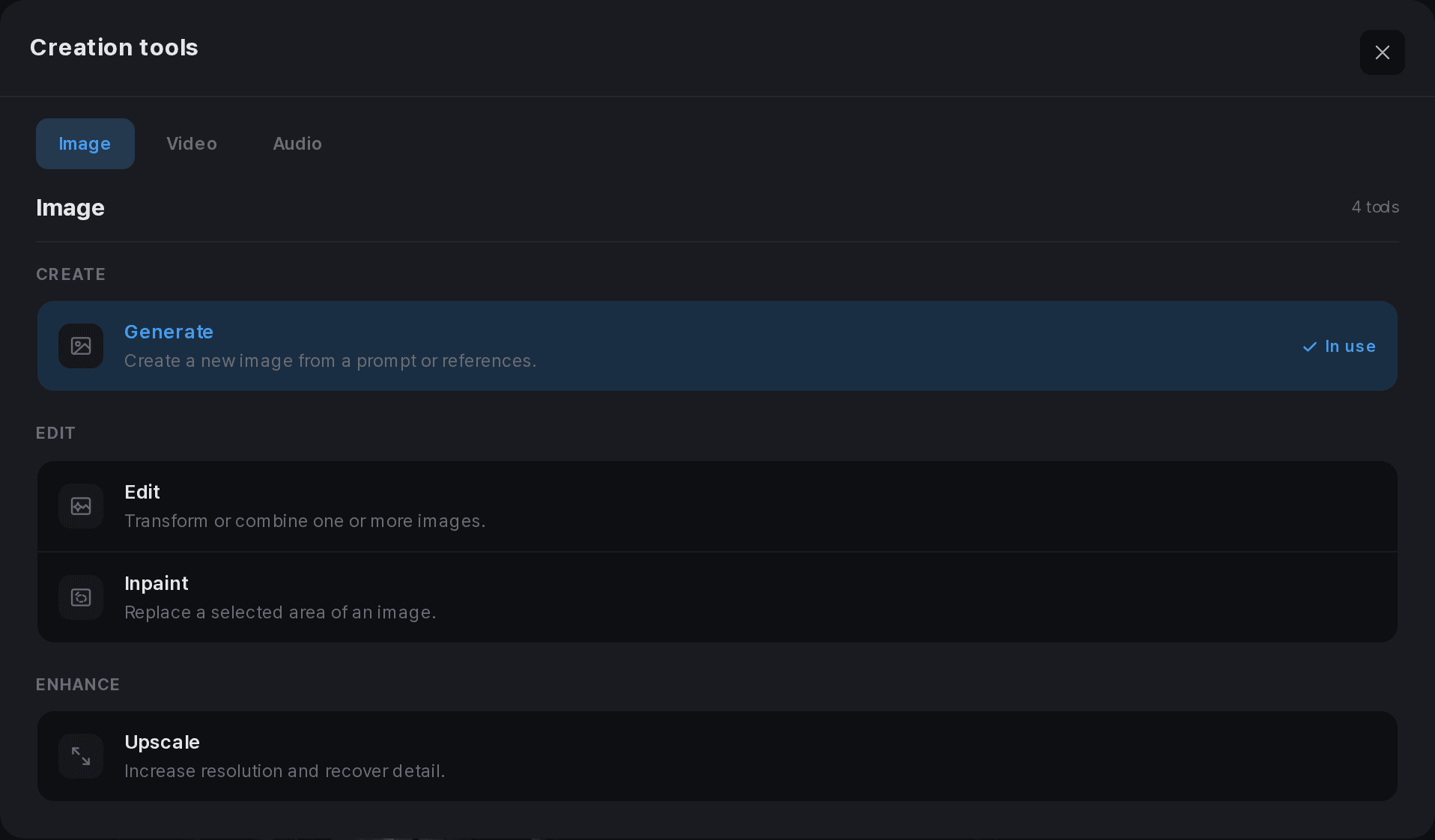
Match the inputs to the operation
For an image, check whether you are generating with references or editing a marked area. For a video, distinguish general references from first and last frames. Only use inputs supported by the selected model.
For audio, choose the available operation and supply the required text or reference. Read language, duration, and policy notices before submitting. Changing a model can change the required settings.
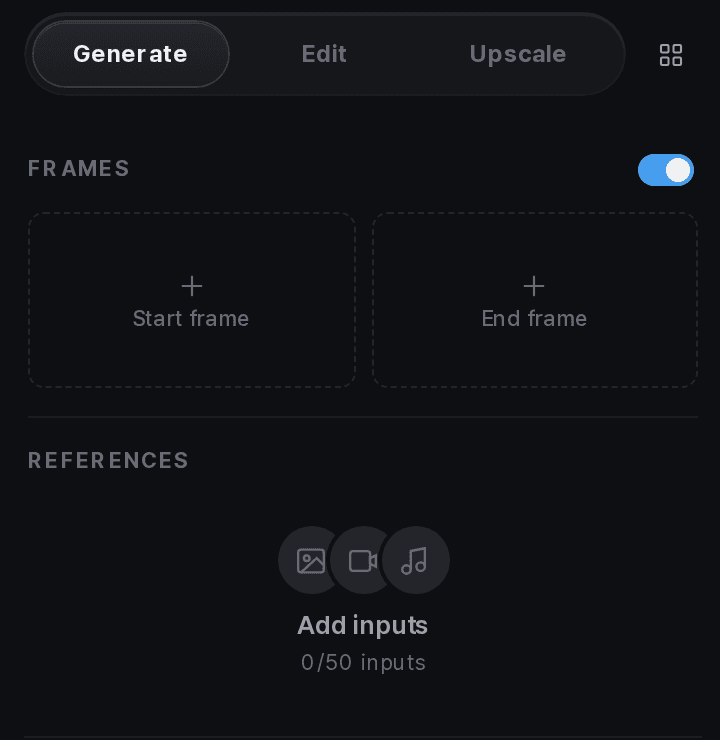
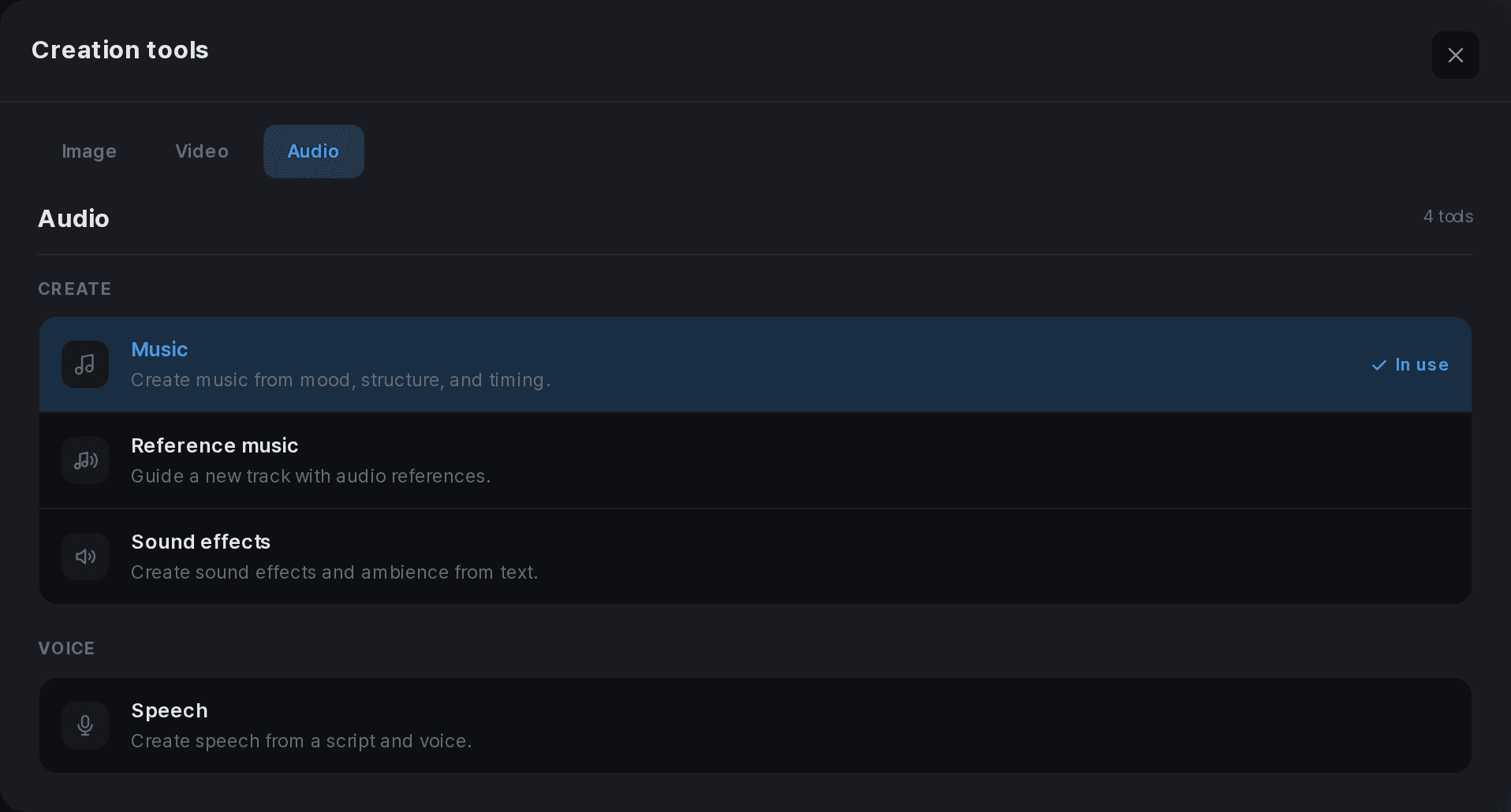
Choose what to keep and use
Review the estimate
Check the result count and settings before confirming generation.
Inspect the results
Open an image at a useful size or play the complete video or audio. Do not choose by a thumbnail alone.
Organize your selection
Use the available collection, download, and history controls for results you want to keep.
Bring it into an edit
Select the media from Assets or the editor library and apply it to the intended cut or track.