
Featured idea
From a story and references to an editable video
Follow the decisions that turn an idea into a sequence you can review, change, and finish in Tacu.
Open resourceFeatured idea
Follow the decisions that turn an idea into a sequence you can review, change, and finish in Tacu.
Open resourceQuick start
Add a brief and supporting material, review the estimate, and create a scenario you can refine before making video.
Check the story and its references before committing to cut video generation.
Arrange cuts, trim media, and check transitions without confusing timeline edits with video regeneration.
Check the selected takes, choose how to handle drafts, and review the completed video file.
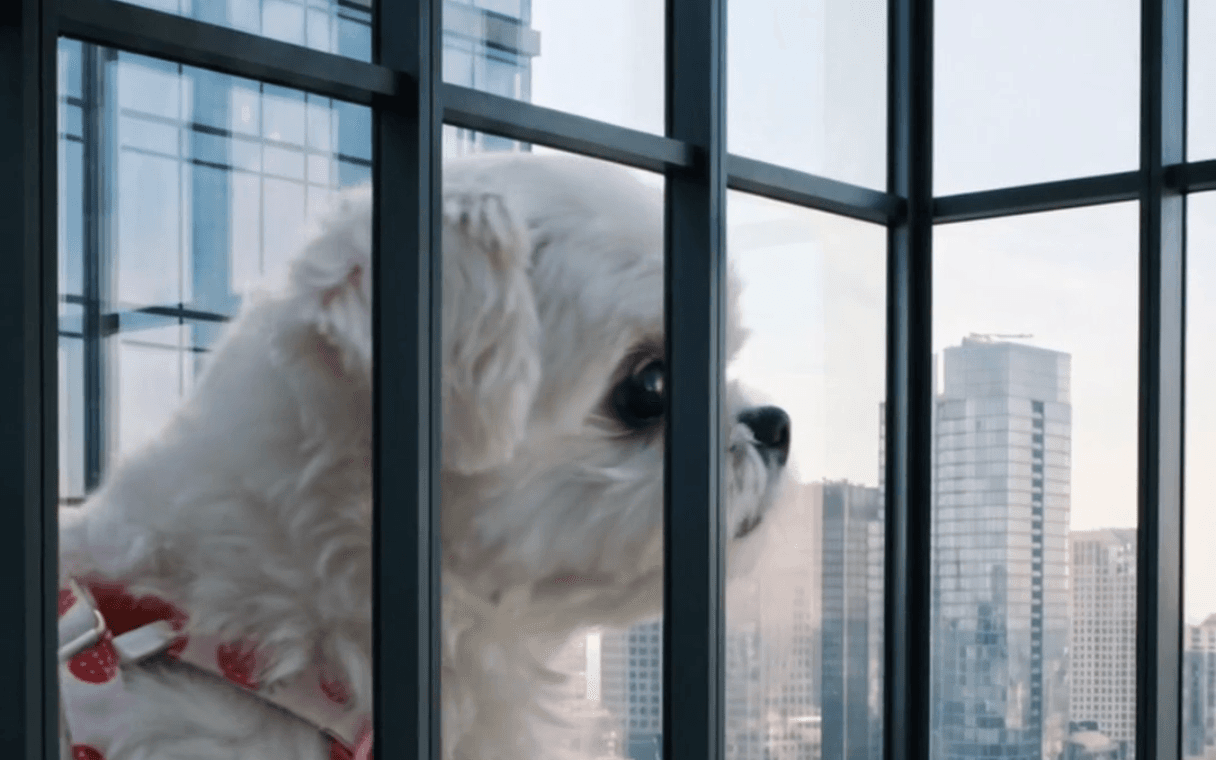
Give each view a job before generating it, then judge the result in the sequence rather than on its own.
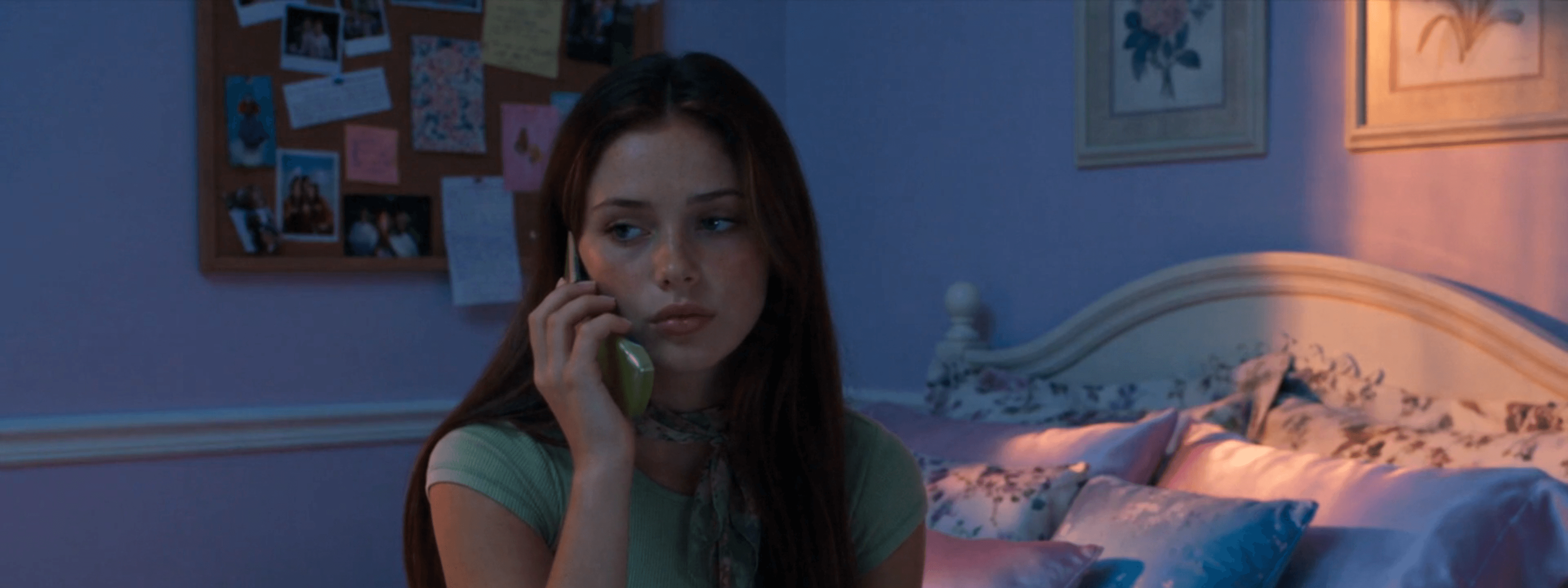
Use character and outfit references deliberately, then check continuity in the actual generated takes.
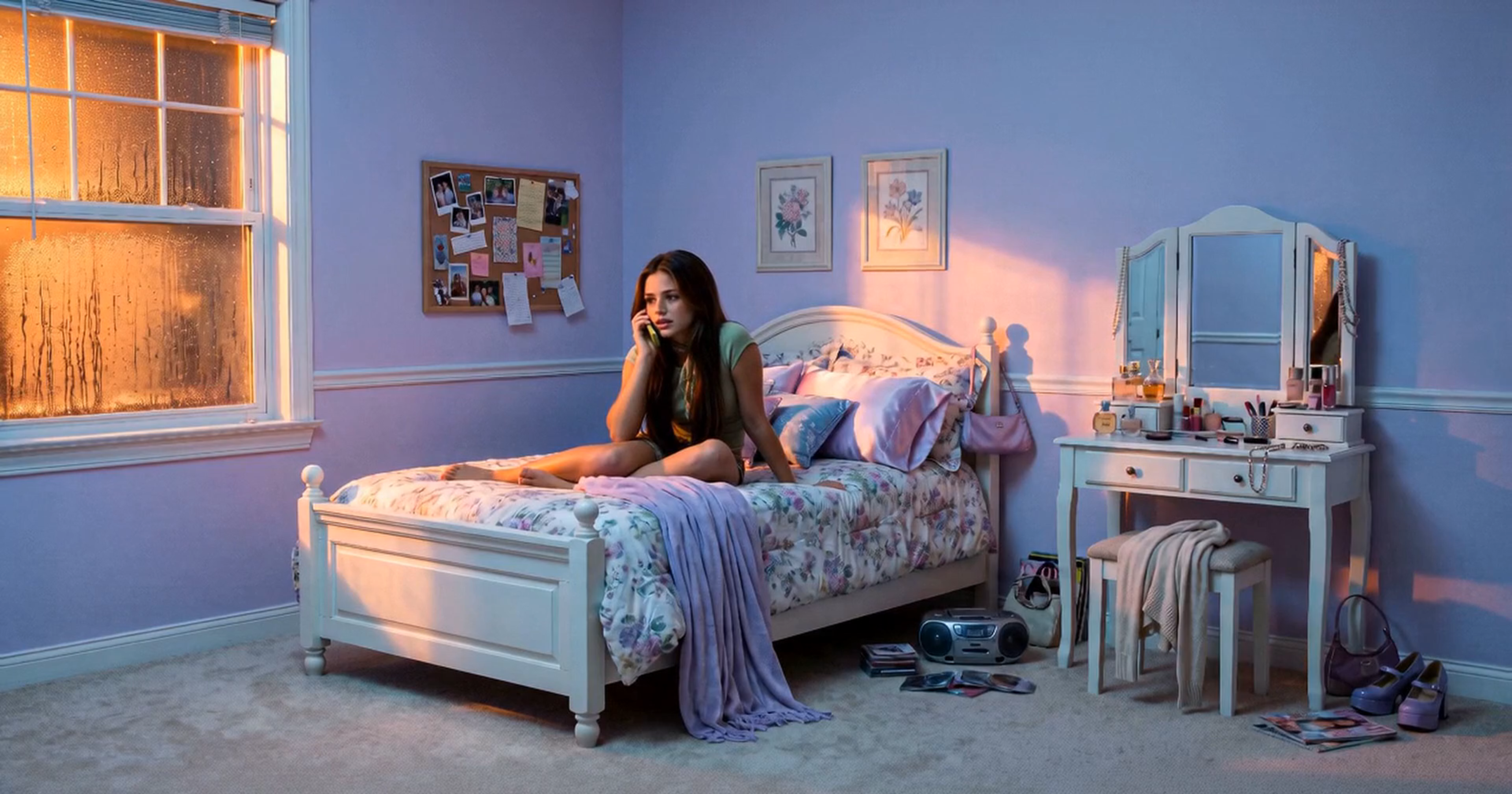
Use supported draft generation to judge direction first, then review the final versions of the takes you choose.