EN

Language

  • English
  • 한국어This translation is not published yet
  • 日本語This translation is not published yet
EN

Language

  • English
  • 한국어This translation is not published yet
  • 日本語This translation is not published yet

How to Plan an AI Video With Scenes and Cuts

Turn one broad video idea into Scenes with a clear narrative job and Cuts that can be generated, reviewed, and revised without losing the whole story.

Tacu team

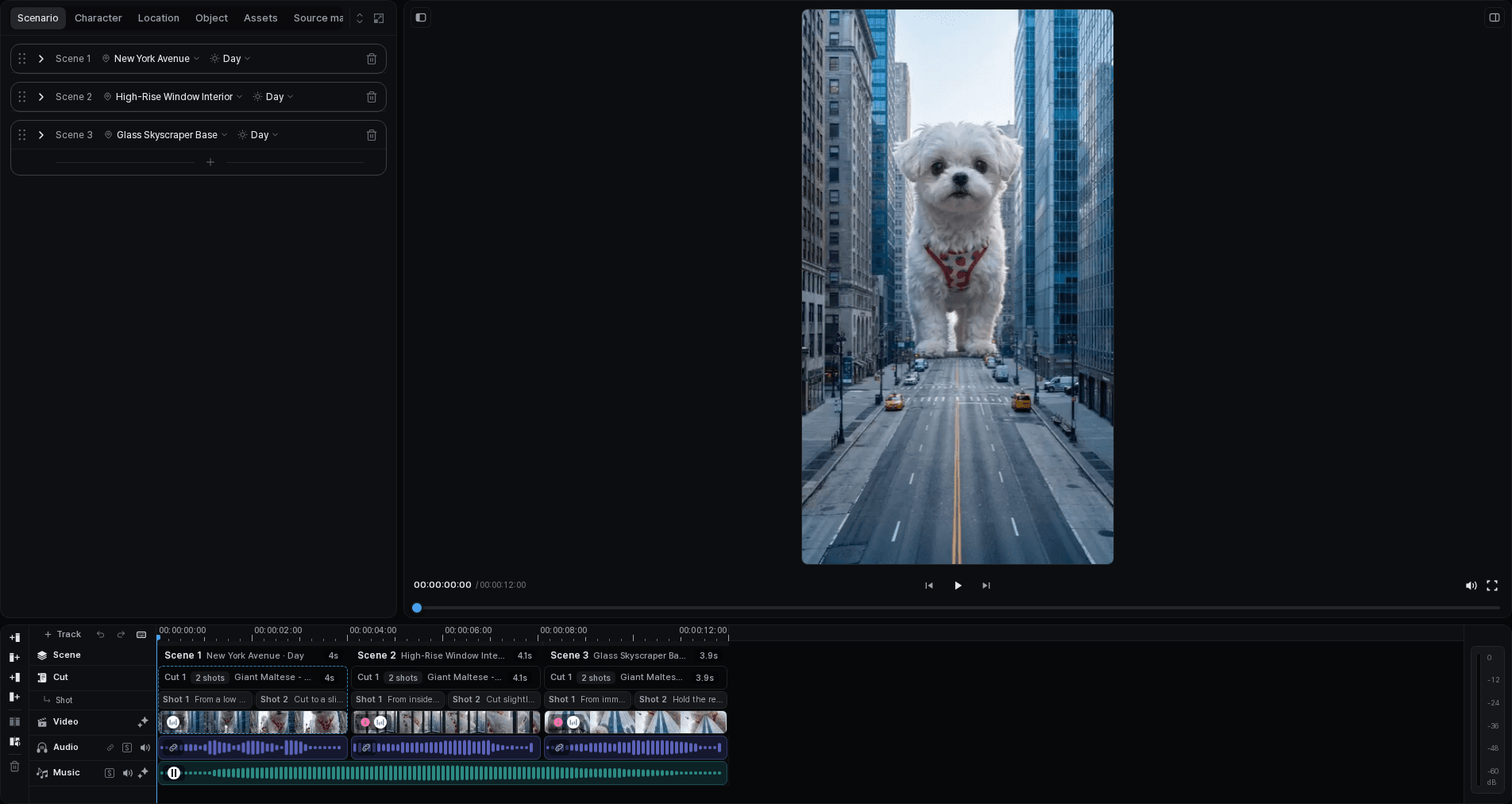
Expanded Tacu timeline with multiple Scenes, Cuts, generated media, and audio tracks
On this page
  1. A long prompt is not yet a production plan
  2. Build the Scene around a change the viewer can feel
  3. Give every Cut one reason to exist
  4. Write descriptions that expose the decision
  5. Revise the narrowest part that is actually wrong
  6. Review the plan before generating

A long prompt is not yet a production plan

A script can describe twenty seconds in a single paragraph: a designer works late, switches on a lamp, carries the mood into a reading corner, and ends on the product. That paragraph may be clear to a human reader while still hiding the decisions an image or video result has to satisfy.

Where does the location change? When does the lamp become the focus? Does the protagonist perform one action or three? Which frame needs room for closing text? If these questions remain inside one large request, a reviewer can see that the result feels wrong without knowing which decision should change.

Planning with Scenes and Cuts makes those decisions visible. It is not about slicing the script into equal pieces. It is about choosing editorial boundaries that are useful before generation and still useful later on the timeline.

Tacu editor showing project context, a preview player, and a multi-scene timeline
Project context, generated media, and the timeline remain visible in one workspace.

Example creative brief

Introduce a logo-free sculptural desk lamp in a quiet 20-second video. Follow one designer from a late-afternoon studio to an evening reading corner. Keep the same protagonist, outfit, and lamp. Show the lamp changing the feel of each space, then finish on its form with room for a short closing line.
Scene and Cut answer different planning questions
UnitUse it to decideThe lamp exampleRewrite when
SceneWhat larger part of the story, setting, or purpose changes?Move from working with the lamp in the studio to using it in a reading corner.The group of Cuts has no shared purpose, or the location/action change is hidden.
CutWhat single visible action or information should this part contribute?Reveal the lamp form, switch it on, or establish it in the new room.It repeats its neighbor, contains competing actions, or cannot be accepted on a clear criterion.

Build the Scene around a change the viewer can feel

The first Scene of the lamp campaign is not “the first ten seconds.” Its job is to introduce a working environment, the designer, the unlit object, and the change produced when the lamp turns on. Those ideas belong together because they move from need to response in one place.

The second Scene changes the context. The same lamp and protagonist appear in a quieter reading corner. The point is not simply to add another background. It shows the object moving from a work surface into an evening routine, then gives the edit a clean ending.

A useful Scene description should therefore say more than “Studio” or “Living room.” It should name the narrative job: “Introduce the lamp through the designer's late-afternoon work,” or “Carry the same design into a calm evening setting and close on the product.”

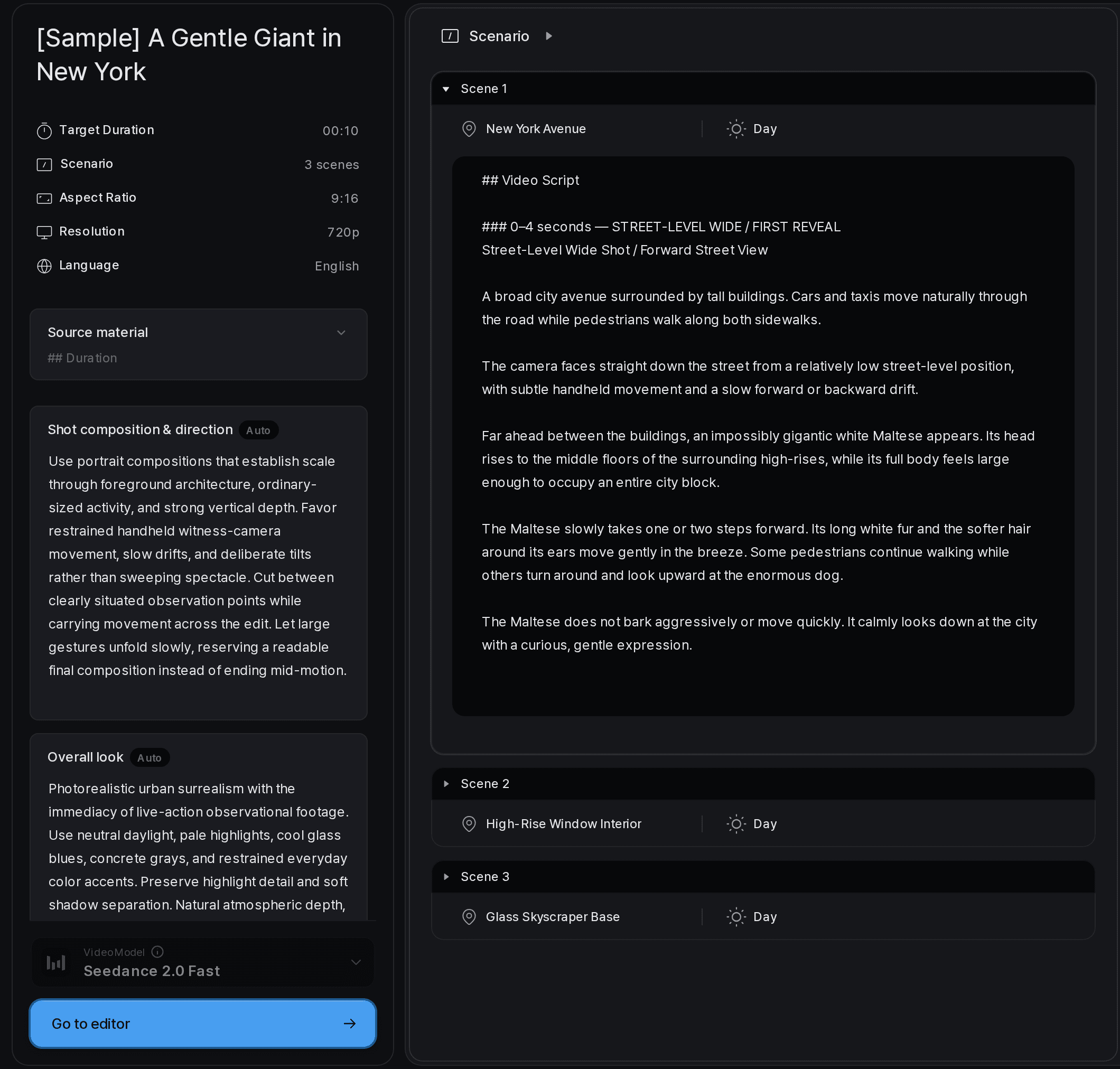
Tacu Scenario panel showing a Scene and Cut plan beside the selected Cut editor
Review the overall Scenario and open a specific Cut when it needs a focused edit.

Give every Cut one reason to exist

Once the two Scene jobs are clear, the Cut plan can be specific without becoming a camera manual. The reviewer needs to know what becomes visible, what action happens, and what must remain from the surrounding project.

The six-Cut plan for the fictional lamp campaign
CutPurposeVisible action or informationAcceptance question
1Establish the project worldThe designer works at a steel desk beside the unlit lamp.Can we identify the protagonist, location, and lamp without competing focal points?
2Introduce the product formThe matte cobalt base and thin curved light element become clear.Are the lamp's defining details readable enough to recognize later?
3Complete the studio beatThe designer switches the lamp on and the desk surface warms.Is the action simple and is the change in light visible?
4Move to the second contextThe same lamp appears beside a chair in the evening reading corner.Does the location change while the product remains recognizable?
5Show use rather than displayThe same designer reads and marks notes with the lamp in the space.Does the human action remain readable without hiding the lamp?
6Give the edit a clean finishThe lamp's silhouette and warm light hold while the composition leaves room for text.Can the editor add the closing line without covering the subject?

Write descriptions that expose the decision

“A cinematic view of a beautiful lamp” is difficult to review. It gives no stable subject detail, action, or relationship to the next Cut. Adding more mood adjectives usually makes the request longer without making the decision clearer.

For Cut 3, a stronger description is: “At the same steel desk, the designer reaches to the lamp and switches it on; the warm light spreads across the working surface while the cobalt base remains in view.” It identifies the continuing location and subject, one action, one visual change, and the detail that should remain readable.

This is still a plan, not a promise that a generated version will satisfy every part. Its value is that a reviewer can point to the mismatch. If the hand action is unclear, revise the action or the result for Cut 3. If the base changes shape, inspect the product asset and the selected version. The whole campaign brief does not have to be rewritten for every local problem.

Revise the narrowest part that is actually wrong

Suppose the first draft of Cut 4 says only, “The lamp is now in a cozy room.” It changes the location but fails to state that the same object and protagonist continue from the studio. It also does not explain what the Cut contributes beyond a new background.

A useful revision would be: “In the evening reading corner, the same cobalt lamp stands beside the chair; the designer enters the wider composition and settles with a notebook.” Now the Cut has a continuity requirement, one setting change, and a bridge into the following action.

That revision can be evaluated before media generation. After generation, the same wording helps separate three possible issues: the plan omitted a needed fact, the selected project asset was not appropriate, or the generated version needs to be replaced. Keeping those causes separate prevents every review comment from turning into a complete rewrite.

Tacu Scenario dialog for editing Cut descriptions, characters, objects, and dialogue
Edit the specific Scenario or dialogue entry that needs to change.

Review the plan before generating

  1. Read only the Scene headings.

    They should describe the larger movement of the story without relying on the individual Cuts.

  2. Read the Cuts in order.

    Each one should add a visible action or piece of information that its neighbor does not already provide.

  3. Mark the continuity facts.

    Name the character, outfit, location, and object details that need to carry across a boundary.

  4. Reduce competing actions.

    Rewrite any Cut that asks the protagonist, camera, object, and environment to change at once.

  5. Check the intended edit.

    Reserve the composition or duration needed for dialogue, sound, and text rather than treating them as an afterthought.

  6. Define acceptance questions.

    Write one question that lets a reviewer keep, revise, or reject each Cut for a specific reason.

A clear plan keeps revisions focused

A Scene/Cut structure does not guarantee a strong video. It gives the team a smaller, named place to discuss what is wrong. That is valuable even before generation begins.

For the lamp campaign, the plan can now be challenged in plain language. Is the move between work and rest meaningful? Does the second Scene need both a location-establishing Cut and a use Cut? Is the product detail introduced early enough to recognize it later? The answers can change the six-Cut plan without discarding the entire brief.

Once the media exists, review it in the same order and compare it with the acceptance questions. The generated version may suggest a better edit, and that is fine. Update the plan when the story changes; update only the affected Cut when the local execution changes. The structure is useful because it can be edited, not because it must remain untouched.