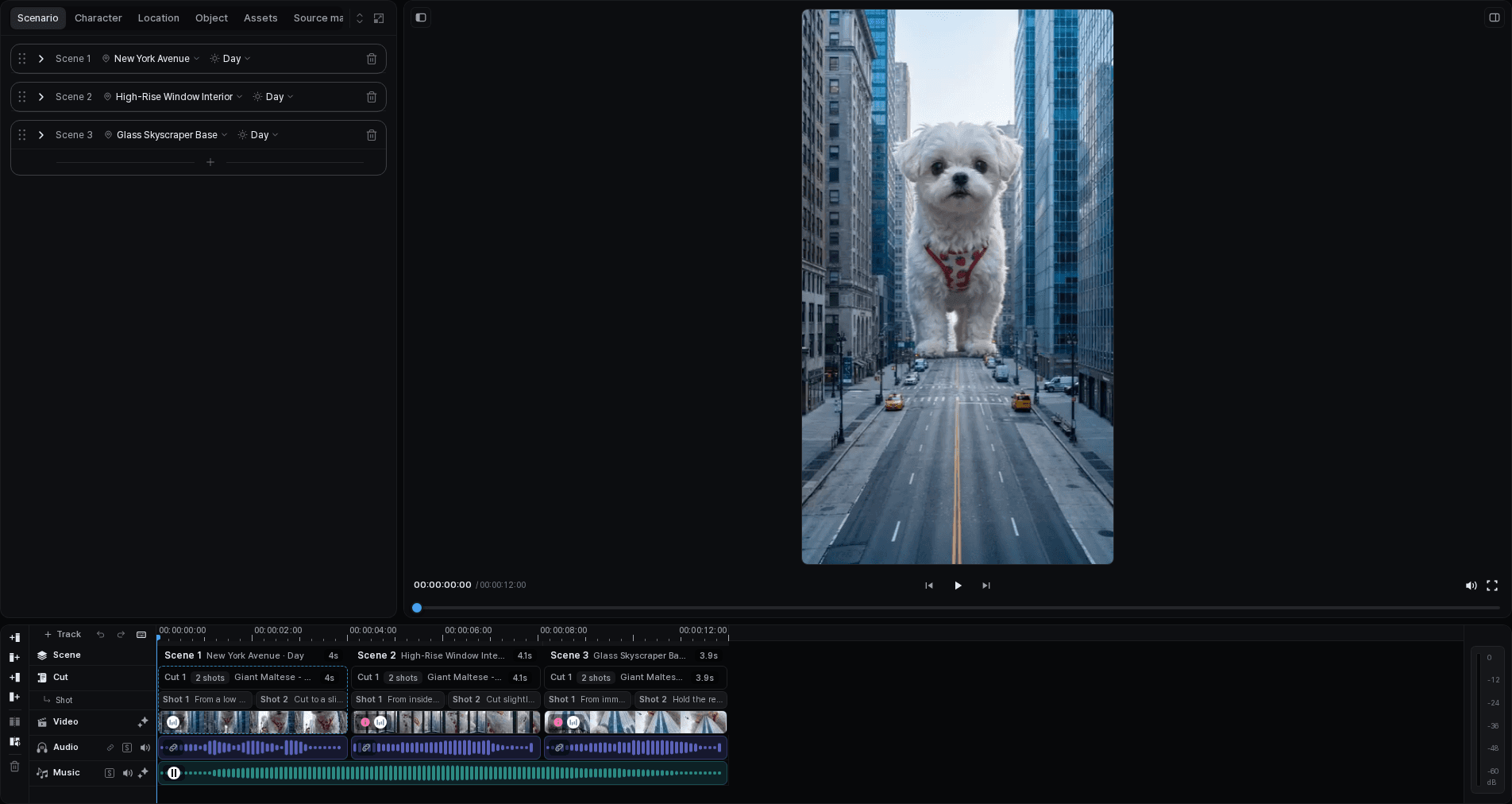
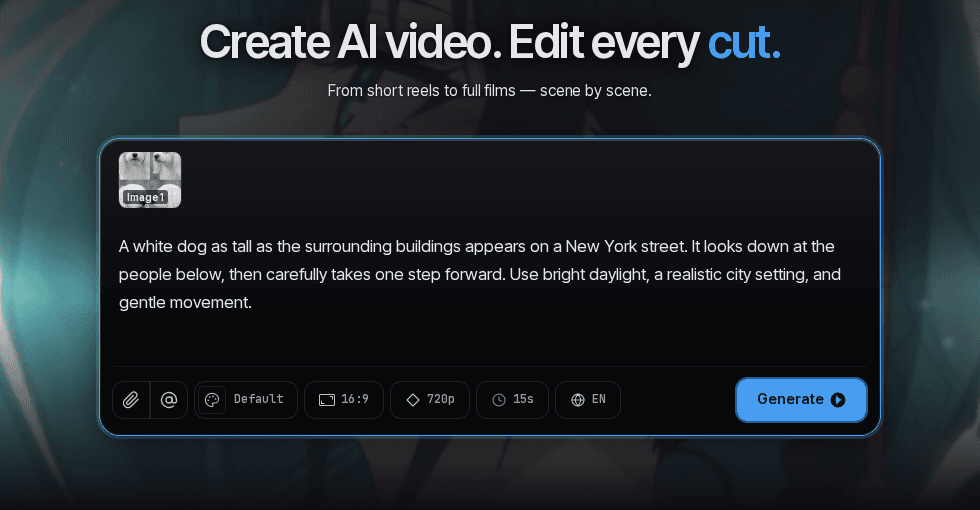
Start with an action, not a wall of settings
A small white dog, suddenly the size of a city block, walks through New York. That is a useful starting point because it already suggests a subject, a setting, and a change in scale. The next question is what the dog does and how the short story ends.
In Tacu, the brief and reference material lead into a scenario you can review. You do not have to accept the first plan as the final film. Clarify the action, remove a scene that repeats another, and check that the ending pays off the opening.
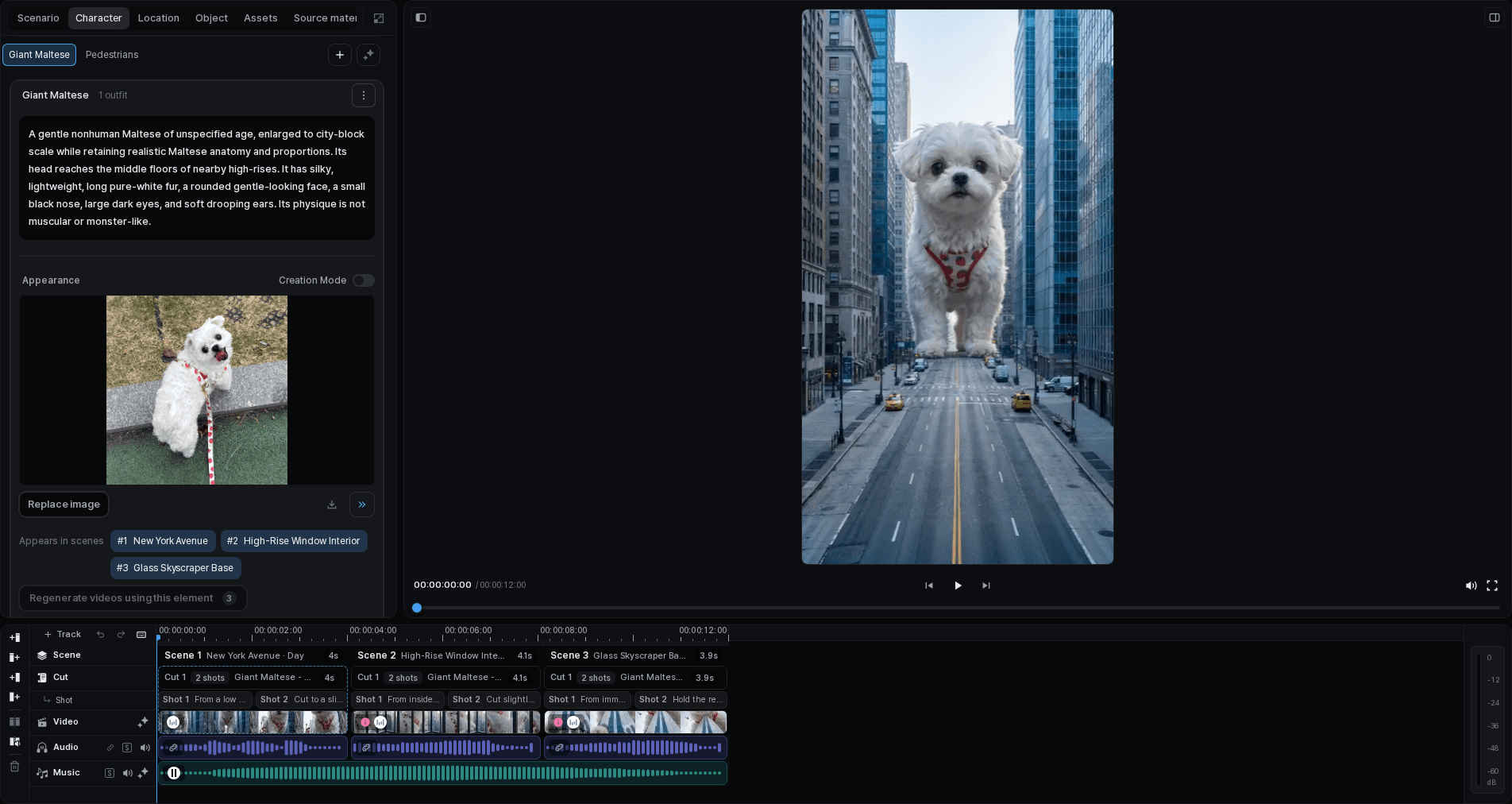
Make the story recognizable across scenes
The reference needs to do more than establish that the subject is a dog. Its face, coat, proportions, and outfit are the details viewers use to recognize it. Keep those references with the character and check them against the planned locations.
Then review the storyboard. A wide street view can establish scale, while a closer view can reveal the dog's expression. Each shot should add something the previous one could not show.
Choose the takes that carry the story
Play each take and compare its motion, framing, and sound. The cut's history keeps the alternatives together so you can choose the version that fits the scene.
If the picture works but the pause is too long, trim the edit. If the action itself is wrong, revise that cut's request and generate another take. Separating those decisions avoids rebuilding a whole sequence to fix one moment.
Finish by watching the whole piece
On the timeline, play the cuts together to check their pacing and transitions. Balance the audio tracks you use, and check subtitle timing and readability.
Export the selected version and watch the file from beginning to end. Keep it private or share it through Tacu. If you want to continue in another editor, export an editing package for a supported app.